mirror of
https://github.com/pentoo/pentoo-overlay-wiki
synced 2025-12-06 07:02:15 +01:00

1,010 B
1,010 B
Installation from Bootable USB
BIOS and UEFI Bootable USB
Creating on GNU/Linux
This method is recommended due to its simplicity. This will irrevocably destroy all data on /dev/sdx
Run the following command, replacing /dev/sdx with your drive, e.g. /dev/sdb. (do not append a partition number, so do not use something like /dev/sdb1)
dd bs=512k if=/path/to/pentoo-amd64-hardened-2015.0_RC*.iso of=/dev/sdx && sync
and wait patiently until the process is completed.
Creating on Windows
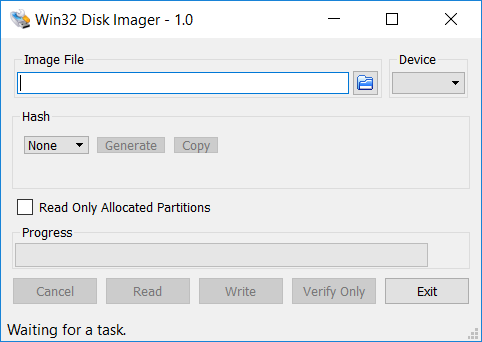
If you’re running under Windows, you’ll need to download the Win32 Disk Imager utility:
Creating on OS X
Run the following command, replacing /dev/diskx with your drive, e.g. /dev/disk7.
sudo dd if=/path/to/pentoo-amd64-hardened-2015.0_RC*.iso of=/dev/diskx bs=1m
and wait patiently until the process is completed.****