- TypeScript 82.7%
- Shell 13.5%
- HTML 0.9%
- CSS 0.7%
- HCL 0.7%
- Other 1.5%
 c094099c15 GitHub grants package write per repository, so any workflow on any branch here could overwrite ghcr.io/coder/code-server, including latest and version tags. The docker job now pushes the GHCR copy to code-server-staging (Docker Hub is unchanged), signs one release attestation stating the version, the tag's commit and each image's public GHCR tags (from the same bake file), and dispatches coder/ghcr-publisher with a coder-ghcr-dispatch token. The publisher verifies the release and the attestation, then copies each image. Version tags never move; rolling tags move only for the highest stable version. Co-authored-by: Claude Opus 5.5 <noreply@anthropic.com> |
||
|---|---|---|
| .github | ||
| .tours | ||
| ci | ||
| docs | ||
| lib | ||
| patches | ||
| src | ||
| test | ||
| typings/httpolyglot | ||
| .dockerignore | ||
| .editorconfig | ||
| .git-blame-ignore-revs | ||
| .gitattributes | ||
| .gitignore | ||
| .gitmodules | ||
| .node-version | ||
| .nvmrc | ||
| .prettierignore | ||
| .prettierrc.yaml | ||
| CHANGELOG.md | ||
| eslint.config.mjs | ||
| flake.lock | ||
| flake.nix | ||
| install.sh | ||
| LICENSE | ||
| package.json | ||
| pnpm-lock.yaml | ||
| pnpm-workspace.yaml | ||
| renovate.json | ||
| ThirdPartyNotices.txt | ||
| tsconfig.json | ||
code-server




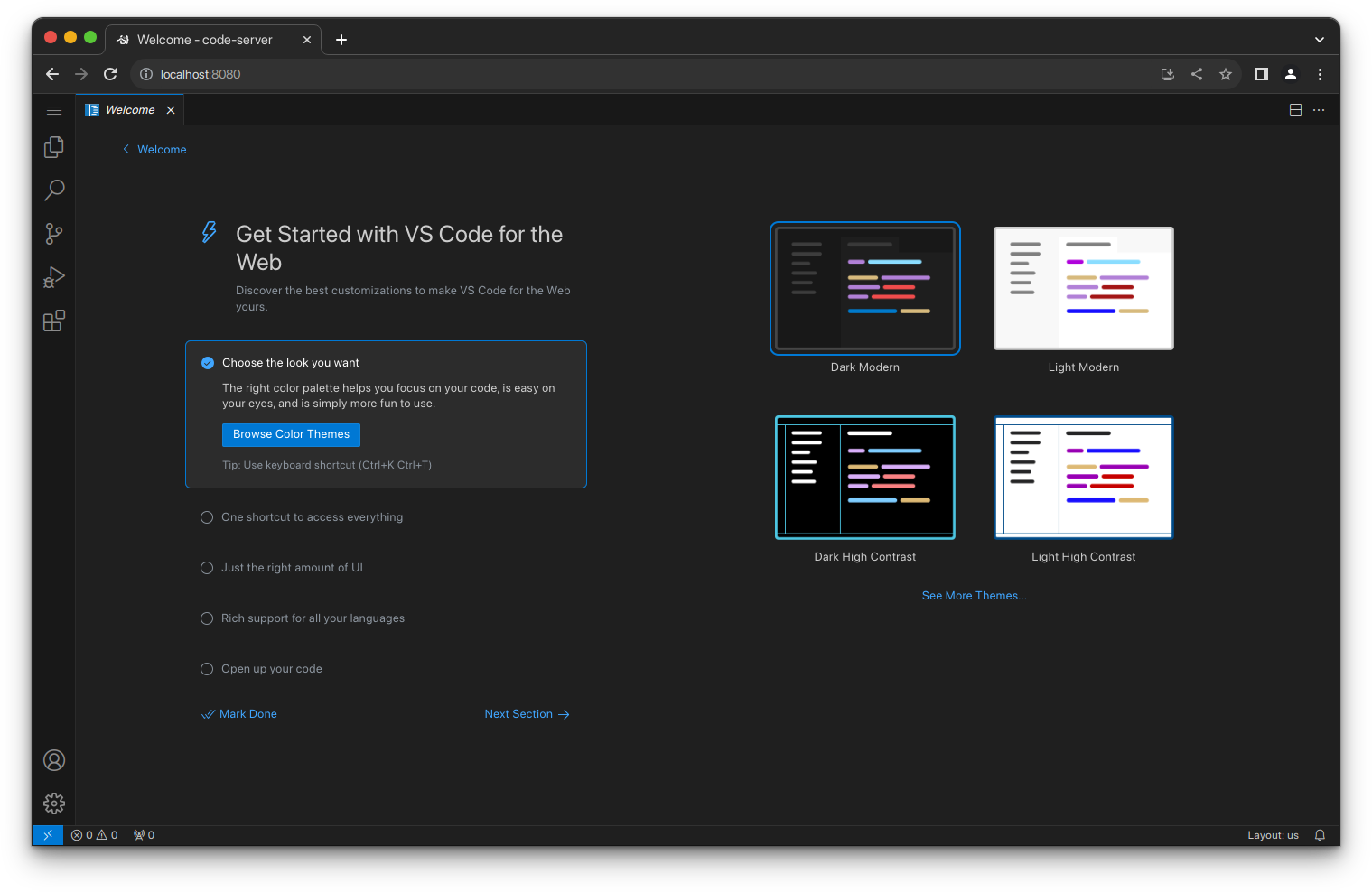
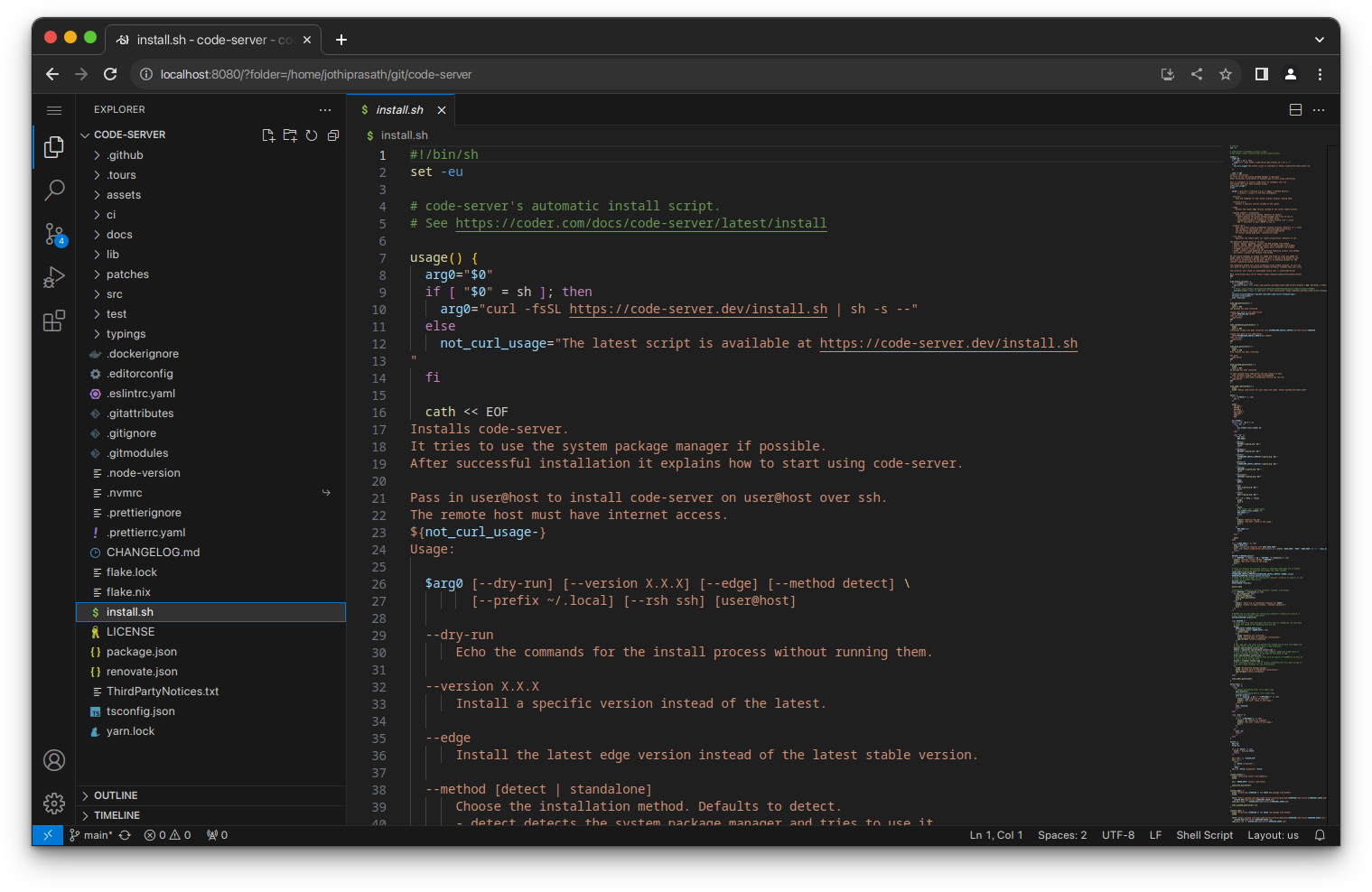
Run VS Code on any machine anywhere and access it in the browser.
Highlights
- Code on any device with a consistent development environment
- Use cloud servers to speed up tests, compilations, downloads, and more
- Preserve battery life when you're on the go; all intensive tasks run on your server
Requirements
See requirements for minimum specs, as well as instructions on how to set up a Google VM on which you can install code-server.
TL;DR: Linux machine with WebSockets enabled, 1 GB RAM, and 2 vCPUs
Getting started
There are four ways to get started:
- Using the install script, which automates most of the process. The script uses the system package manager if possible.
- Manually installing code-server
- Deploy code-server to your team with coder/coder
- Using the code-server feature for devcontainers, if you already use devcontainers in your project.
If you use the install script, you can preview what occurs during the install process:
curl -fsSL https://code-server.dev/install.sh | sh -s -- --dry-run
To install, run:
curl -fsSL https://code-server.dev/install.sh | sh
When done, the install script prints out instructions for running and starting code-server.
Note
To manage code-server for a team on your infrastructure, see: coder/coder
We also have an in-depth setup and configuration guide.
Questions?
See answers to frequently asked questions.
Want to help?
See Contributing for details.
Hiring
Interested in working at Coder? Check out our open positions!
For Teams
We develop coder/coder to help teams to adopt remote development.