mirror of
https://github.com/pldubouilh/gossa
synced 2026-01-27 09:54:46 +01:00
No description
| fixture | ||
| src | ||
| .gitignore | ||
| .travis.yml | ||
| Dockerfile | ||
| LICENSE | ||
| Makefile | ||
| readme.md | ||

gossa
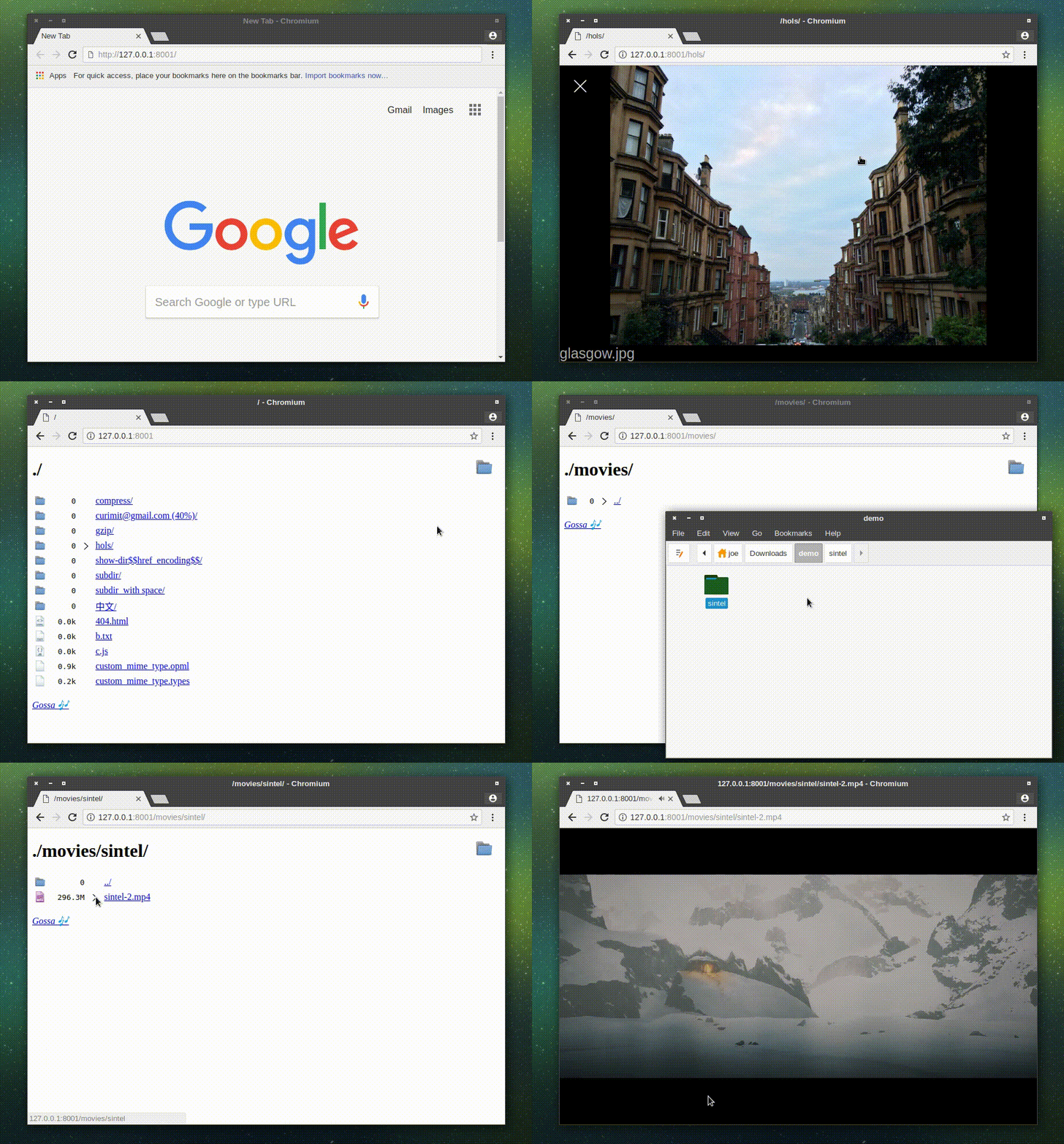

🎶 A fast and simple webserver for your files, that's dependency-free and with under 240 lines for the server code, easily code-reviewable.
features
- browse through files/directories
- upload with drag-and-drop
- move/rename/delete files
- browse through pictures with a full-screen carousel
- simple keyboard navigation/shortcuts
- fast ; fills my 80MB/s AC wifi link
built blobs
built blobs are available on the release page.
run
# build
make

# run
./gossa -h 192.168.100.33 ~/storage
keyboard shortcuts
| shortcut | action |
|---|---|
| Arrows/Enter | browse through files/directories and pictures |
| Ctrl/Meta + C | copy URL to clipboard |
| Ctrl/Meta + E | rename file/folder |
| Ctrl/Meta + Del | delete file/folder |
| Ctrl/Meta + D | create a new directory |
| Ctrl/Meta + X | cut selected path |
| Ctrl/Meta + V | paste previously selected paths to directory |
| <any letter> | search |
ui shortcuts
| shortcut | action |
|---|---|
| click new folder icon | create new folder |
| click images icon | toggle image carousel |
| click file icon | rename item |
| double click file icon | delete item |
| drag-and-drop item on UI | move item |
| drag-and-drop external item | upload file/folders |
using with docker
a pretty short docker file is provided
# build docker image
make
docker build -t gossa .

# run
sudo docker run -v ~/ToShare:/shared -p 8001:8001 gossa